The Map view and PNG export
Turn your world into an illustrated map and download it.
3 min read
Open the Map view
Switch Layer to view to Map. The map is drawn by code from your world: no artwork is used. Drag to pan, scroll to zoom and double-click to fit.
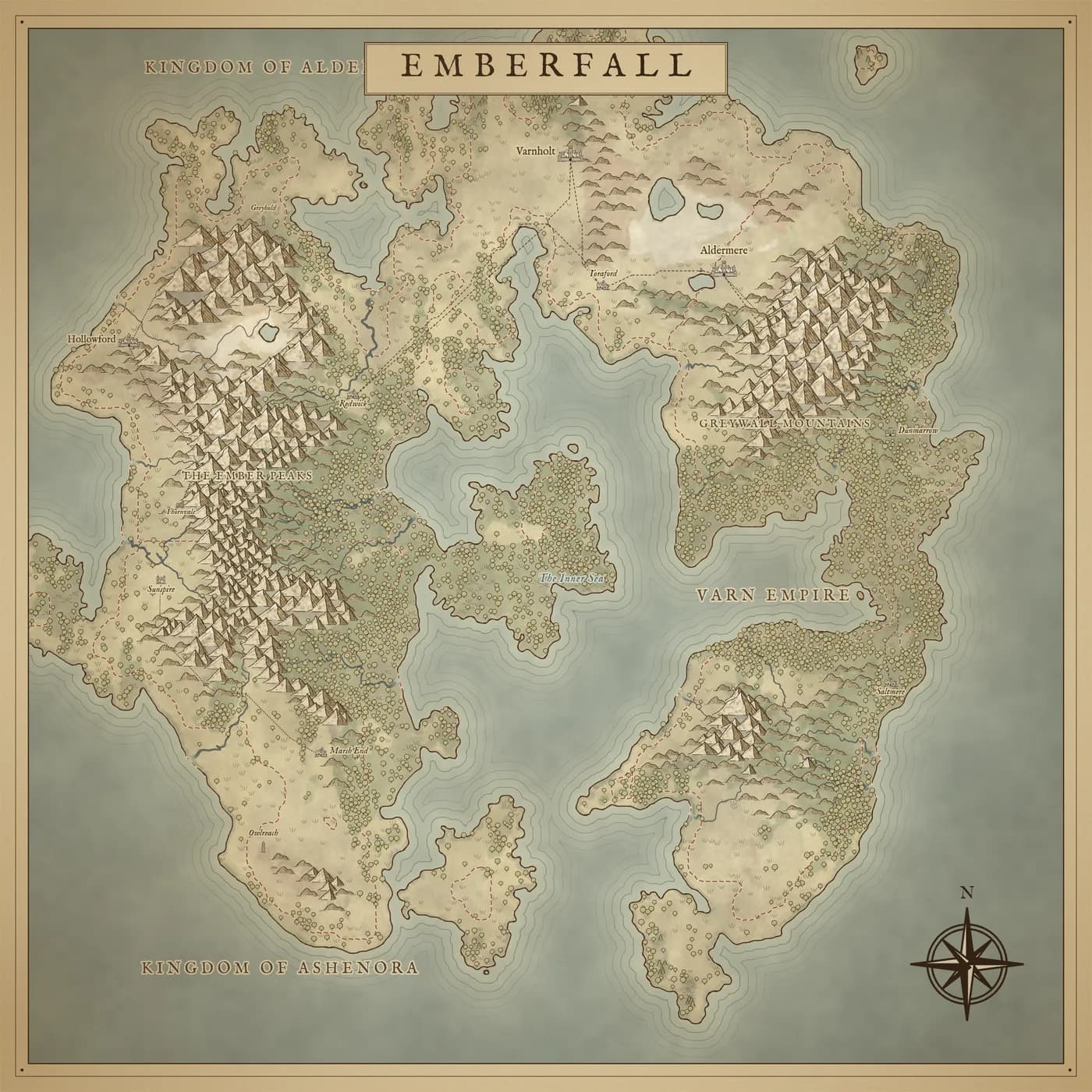
Style and contents
Map style chooses Parchment or Painted. Show turns on and off the mountains, forests and hills, lines in the water, kingdom borders and names, land names, roads, settlements, and the frame, compass and title.
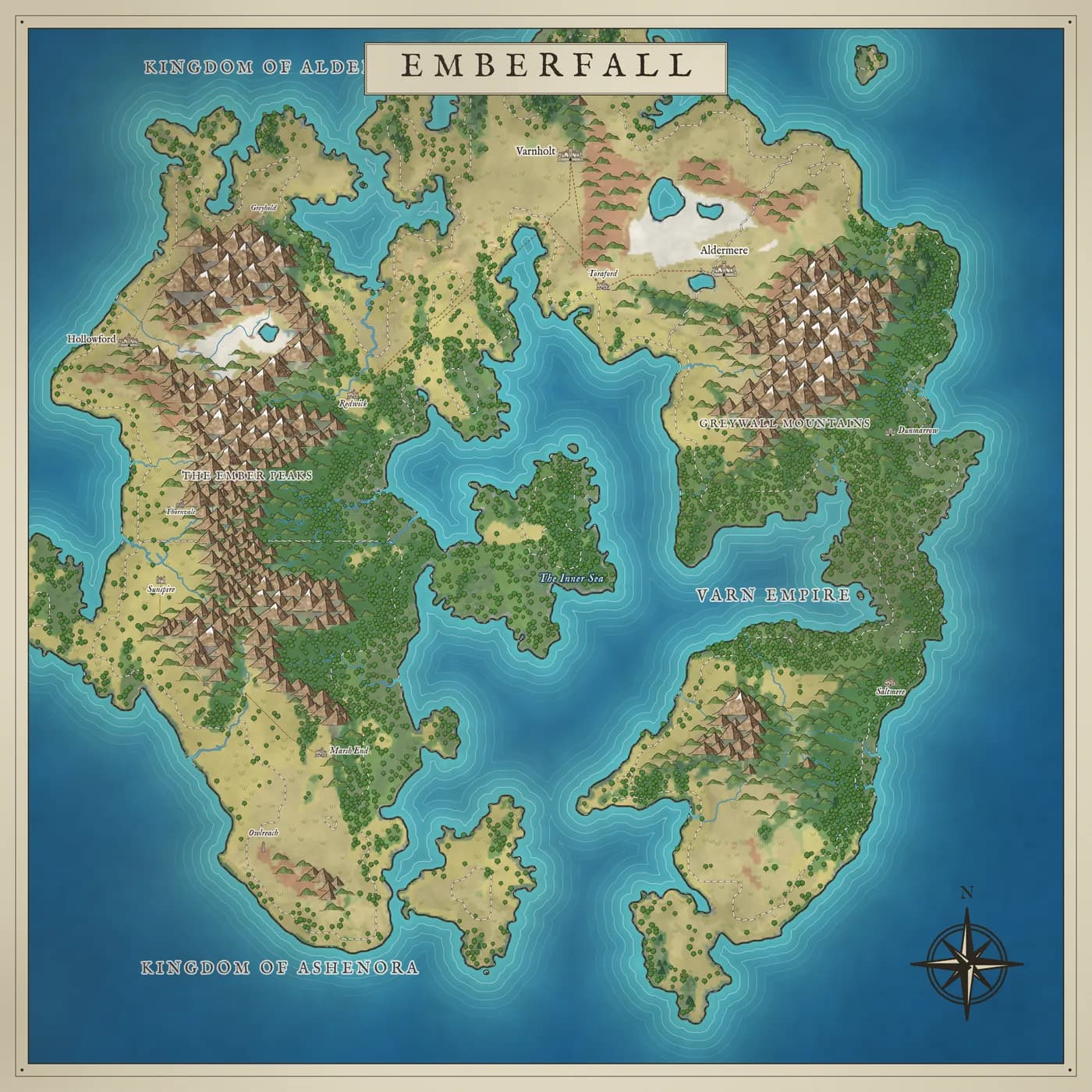
Download
Choose Standard (about 2000 px across) or High (about 3600 px, slower to draw) and Download PNG.