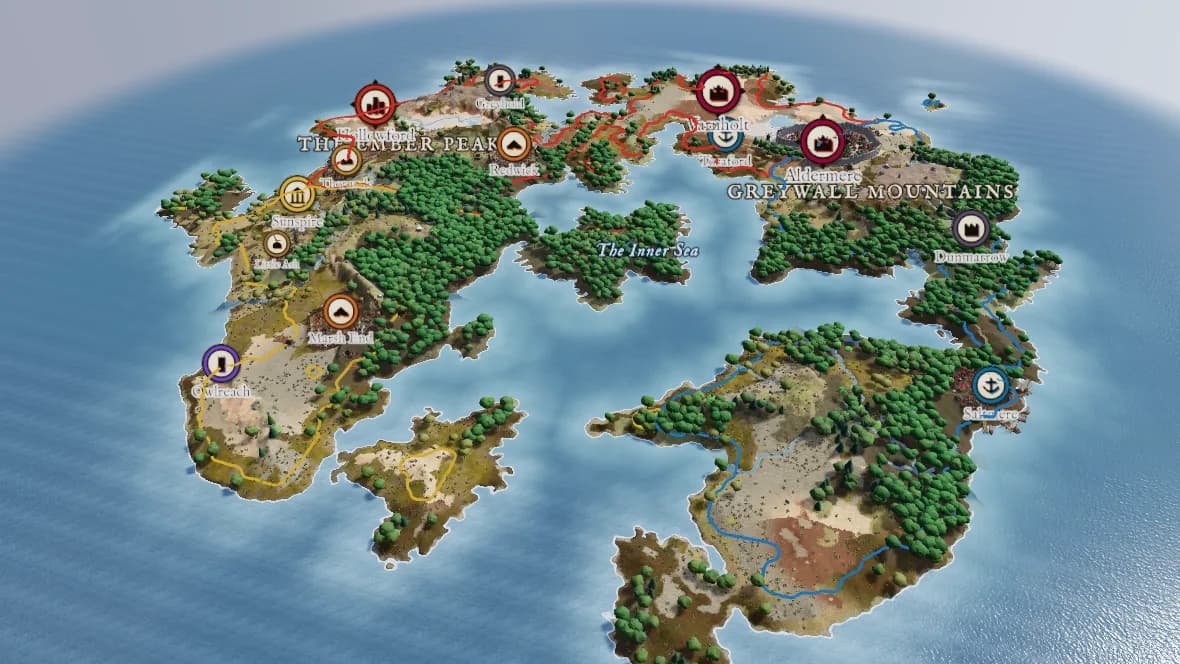
Your first world
Create an account, generate a world, and find your way round the editor.
5 min read
Start a new world
- 1Sign up, then open My worlds and choose New world.
- 2Pick how to start: Generate World for procedural land, Create World for a blank slate to sculpt, or Import Map to build from a map you have drawn.
- 3Give the world a name and choose its setting, grid, shape and scope.
- 4Choose Create. The world builds and the editor opens.
Tip: The grid sets the detail. 512 is the default and builds in about two seconds; larger grids take longer but hold more detail.
The editor
The bar on the left holds everything. Layer to view switches between the Terrain, the Human layer (kingdoms and settlements) and the illustrated Map. Map dimension switches between 2D and 3D.
Under it are the panels (Generate, Brush and View for the terrain) and the tools (View / pan, Sculpt and Paint biome).
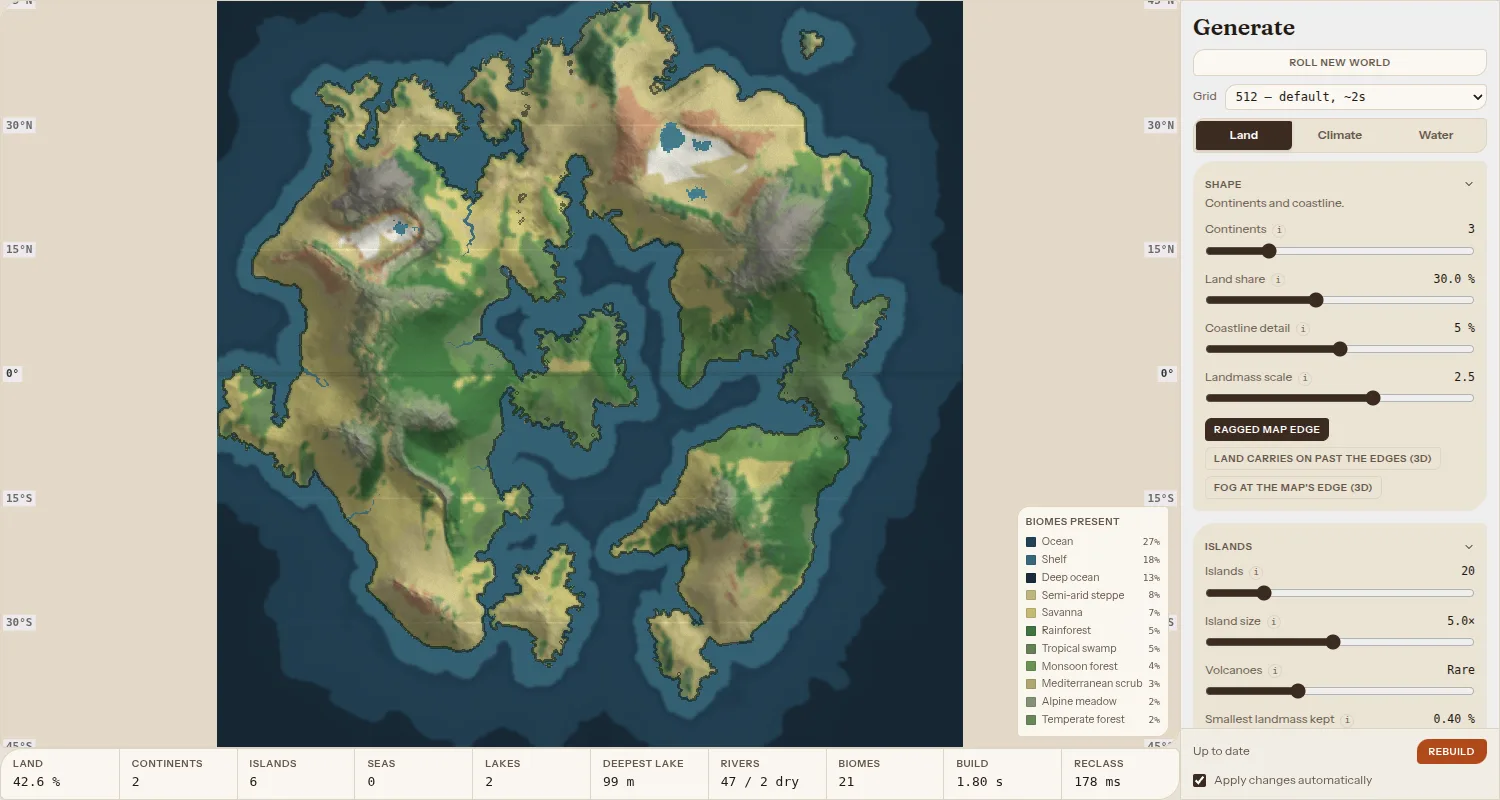
Roll and tune
- 1Open Generate and choose Roll new world until a shape appeals.
- 2Use the Land tab for the shape, islands, mountains and erosion.
- 3Use Climate for the map's latitude, temperature and rainfall, and Water for rivers, lakes and the sea level.
Climate and water settings update as you drag. Land settings rebuild the world, which can replace your sculpting and settlements, so the editor asks first.
Look round in 3D
Switch Map dimension to 3D. Drag to orbit, scroll to zoom, and use W, A, S and D to move across the land. In View, choose the sky and the drawing quality.