Shaping the land with brushes
Sculpt mountains and coasts and paint biomes over the generated world.
4 min read
Sculpt
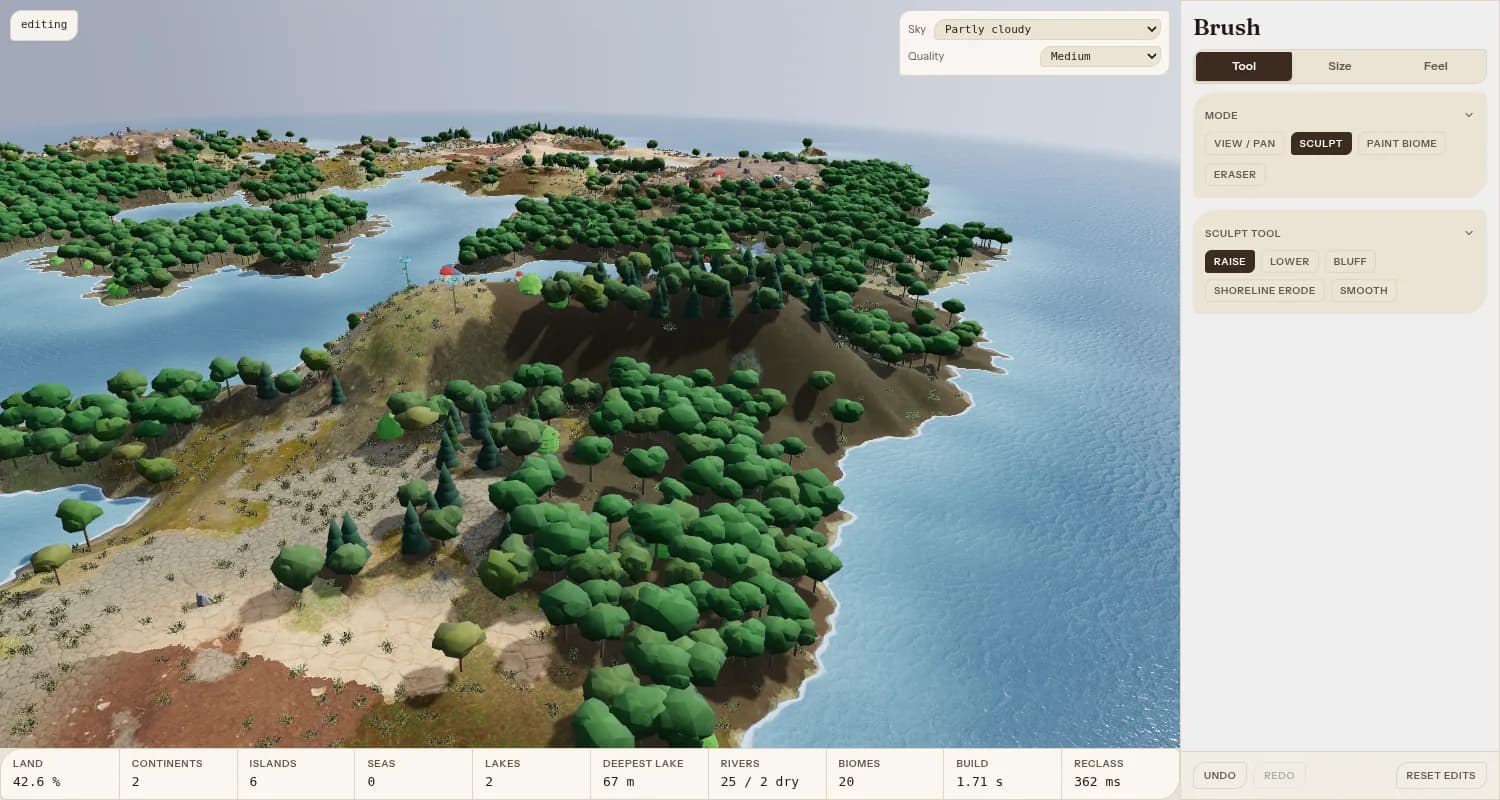
Choose Sculpt in the tools, then open Brush. Sculpt has five tools:
- 1Raise and Lower move the land up and down.
- 2Bluff builds steep, cliff-like faces.
- 3Shoreline erode wears the coast back.
- 4Smooth evens out bumps.
Brushes work on the 2D map and in the 3D view.
Paint biomes
Choose Paint biome, pick a biome from Biome to paint, and paint it onto the land. The Eraser undoes either kind of edit.
Brush feel
Size and strength set how much each stroke does. Shape and edge choose a Round, Irregular, Speckled or Block brush. With a pen, pressure can set the size or the flow.
Tip: Undo, Redo and Reset edits are pinned at the bottom of the Brush panel. Reset edits removes all sculpting and painting.