Importing an illustrated map
Build a world from a finished map with painted ground, a legend and fog of war.
6 min read
Complete maps
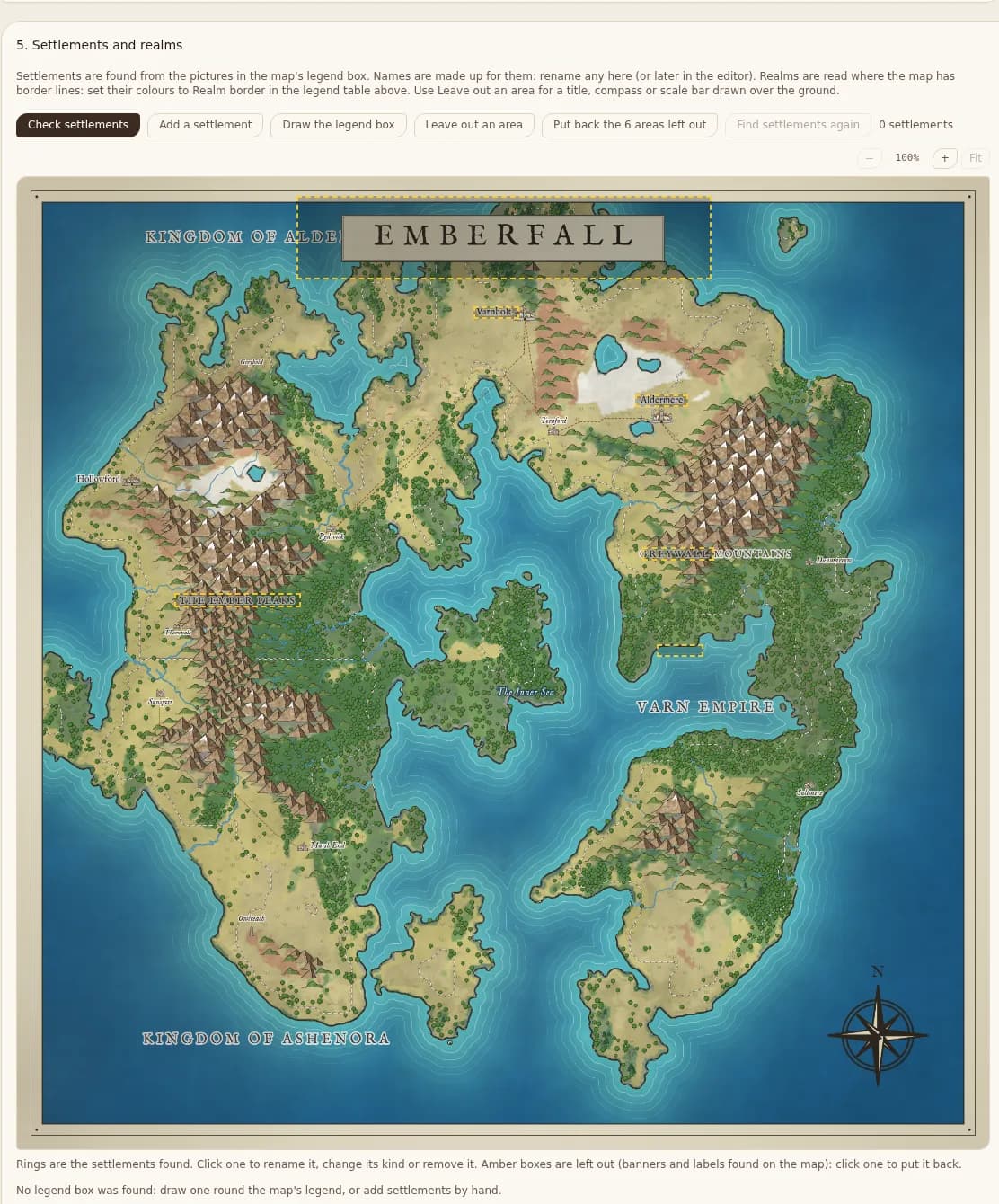
A complete map is a finished illustration: painted ground, drawn mountains and forests, settlement pictures with a legend, writing, even a grid and fog of war. Its colours are grouped into kinds of ground for you to name.
Steps
- 1New world, then Import Map, then Complete map.
- 2Choose the picture and crop it.
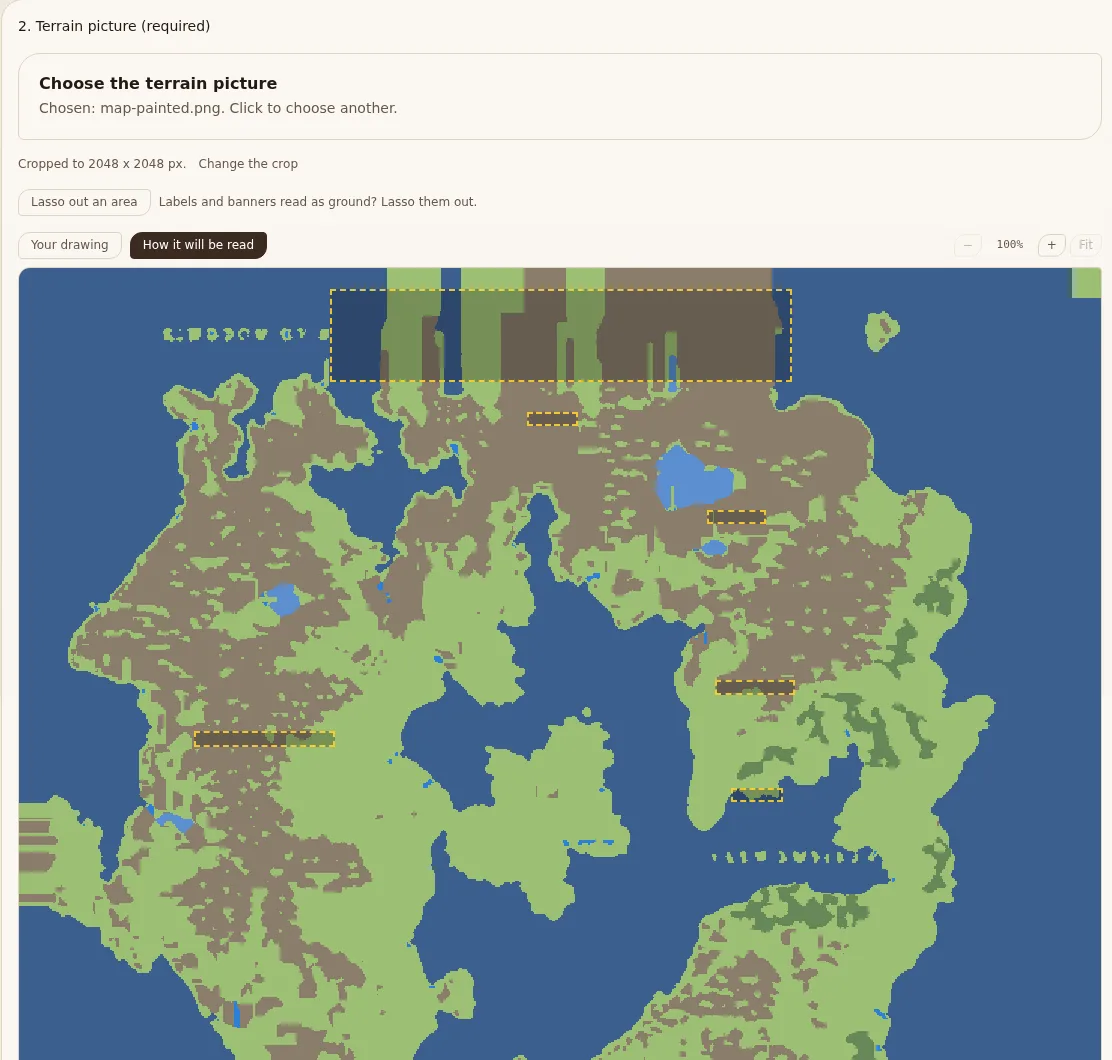
- 3Check How it will be read. Lasso out an area for anything read as ground that is not.
- 4In the legend, check each group's land type and biome. A Trees group is found where forests are drawn.
- 5In Settlements and realms, draw the legend box if it is not found. Settlements are found from the legend's pictures.
- 6Create the world.
What is left out
Banners and scale bars are found and left out from the start (amber boxes); click one to put it back. Plain writing is removed when the map is read. Drawings on open sea, such as sea monsters and ships, are read as sea.